
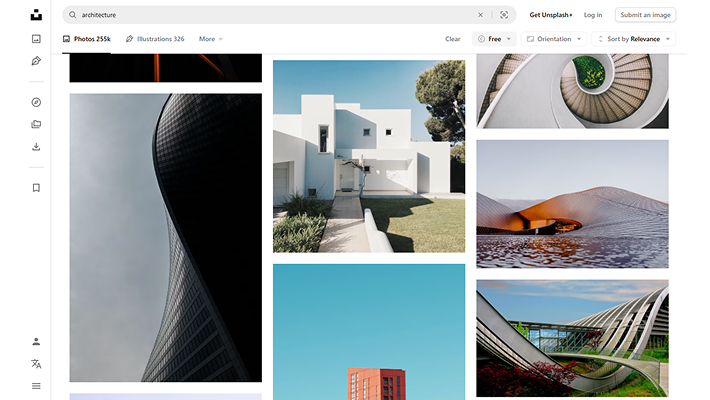
 from_any_webpage.png
From any webpage
Drag any image from any website into Moodbase and it’ll save the image and its source data.


Add images from anywhere and use AI to automatically analyze & categorize
them to create your own searchable moodboard.
Free to use · No account · Credits optional
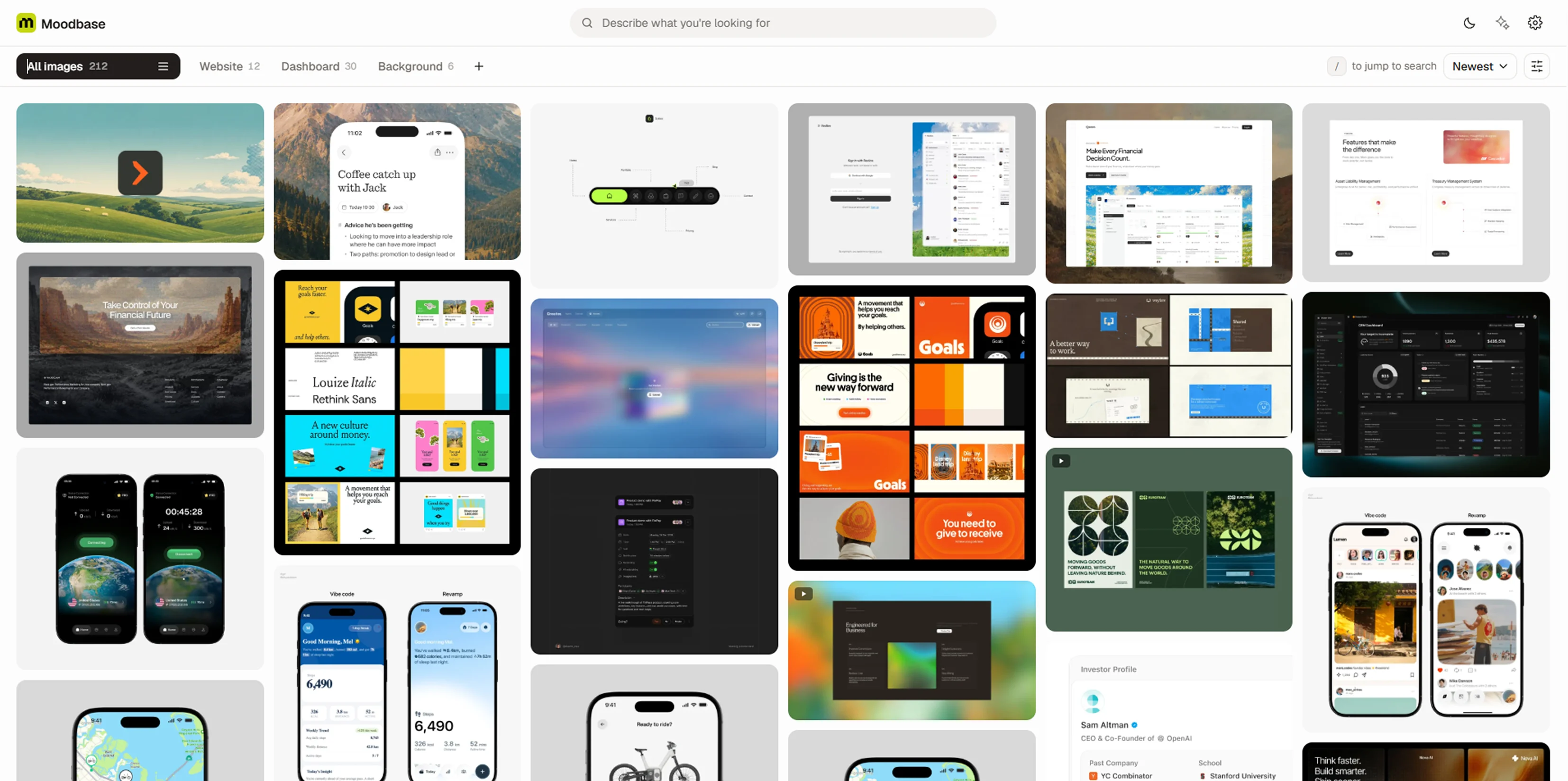 hero_dashboard.webp
Save inspiration the moment you find it. Just drag and drop the image into Moodbase and it’ll save, analyze & categorize for you.
from_any_webpage.png
Drag any image from any website into Moodbase and it’ll save the image and its source data.
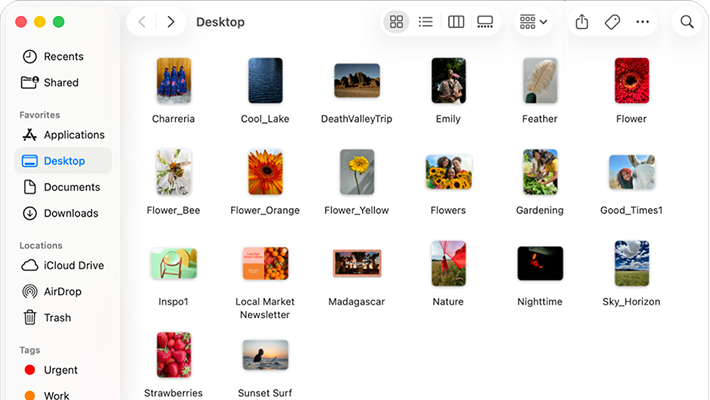 from_your_device.png
Already have folders full of references? Drop them into Moodbase and let it categorize them in seconds.
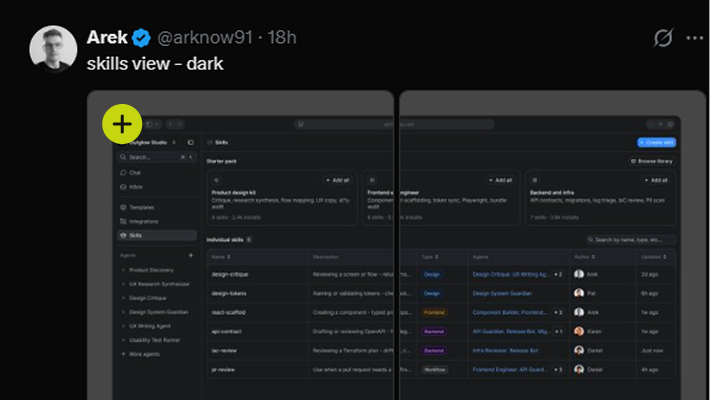 from_popular_sites.png
Moodbase provides a collect button for popular sites so that you can save images without leaving the page.


Analyze each image and turn it into useful visual information
so you can easily find, filter, & categorize it.
 credits_card.png
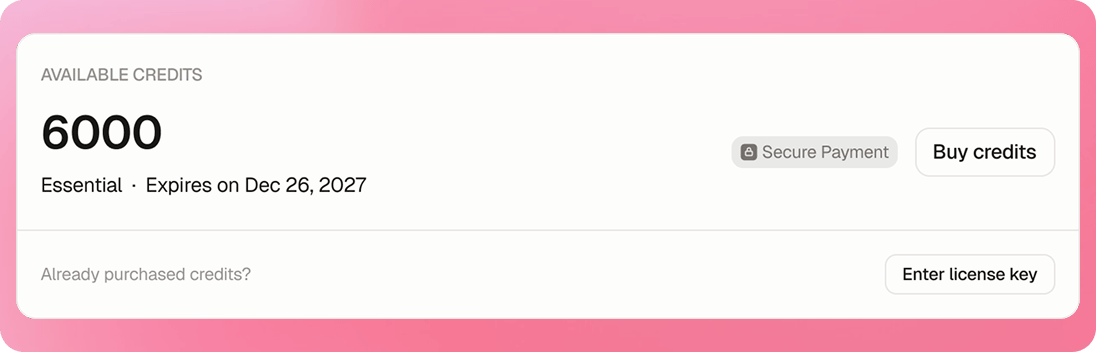
Let Moodbase handle the AI analysis. Buy credits once and use them automatically or whenever you need them — no subscription required.

 byokey_card.png
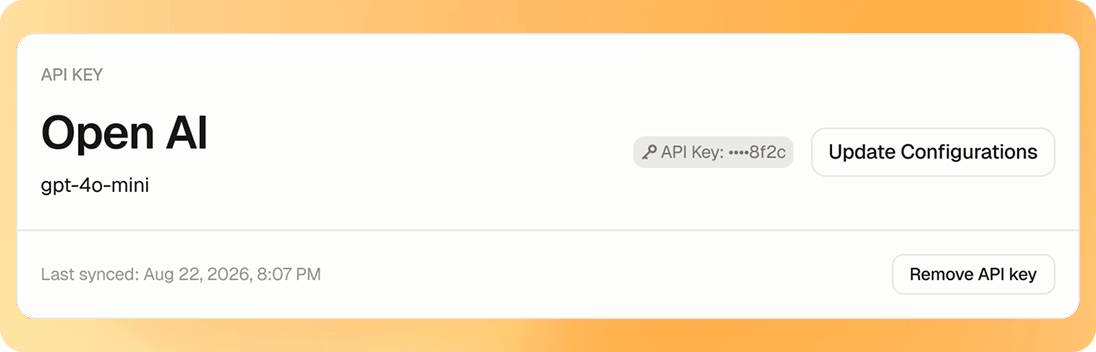
Prefer to use your own API key? Bring your own API key and connect it to Moodbase to analyze images with your preferred provider.


 feature_image_grid.png
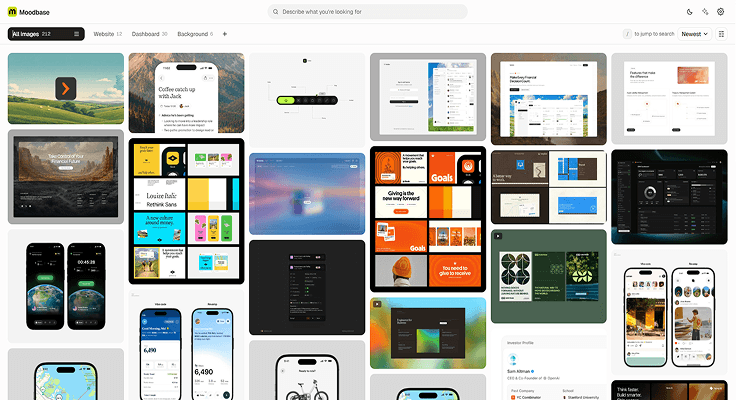
Choose masonry or square layouts, then tune columns, spacing and corner radius until your library feels right.
 feature_collections.png
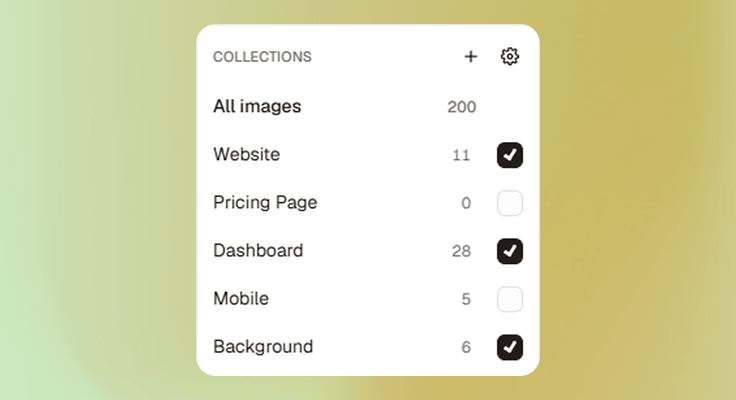
Create a collection with a few keywords and let Moodbase grow it automatically as you add more images.
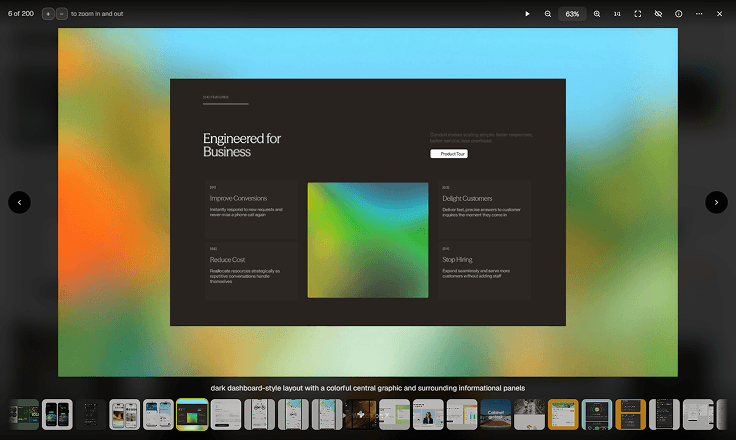 feature_lightbox.png
A closer look at your inspiration. Zoom in, zoom out, see the original scale, explore every little detail of your image.
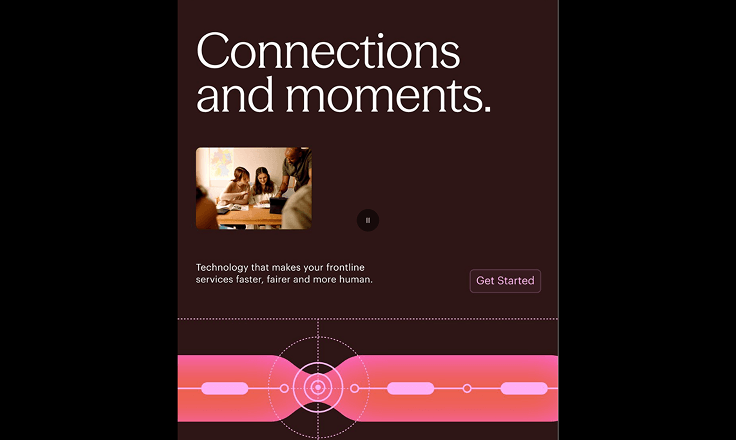 feature_slideshow.png
Turn any collection into a slideshow. Present your references or simply explore them while you are relaxed.
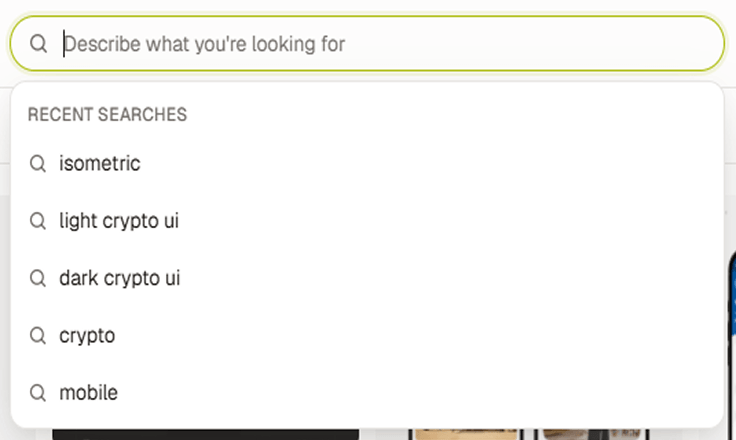 feature_search.png
Search by memory, describe what you're looking for & Moodbase searches across captions, tags, subjects, color, more..
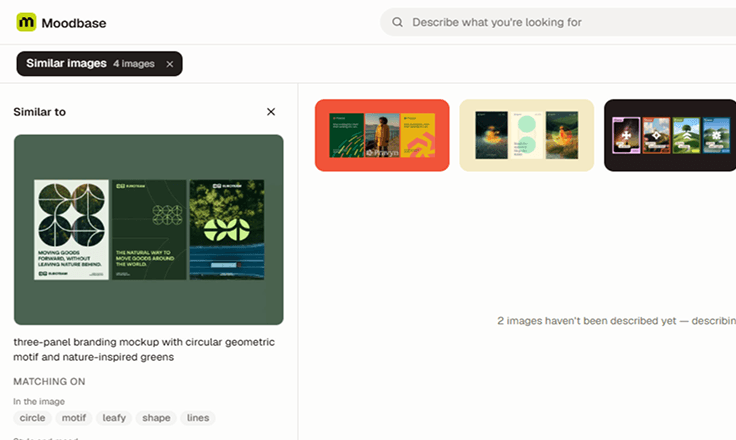 feature_similar_image.png
Found one good reference? Find the rest. Discover images in your library with similar subjects, colours and visual style.
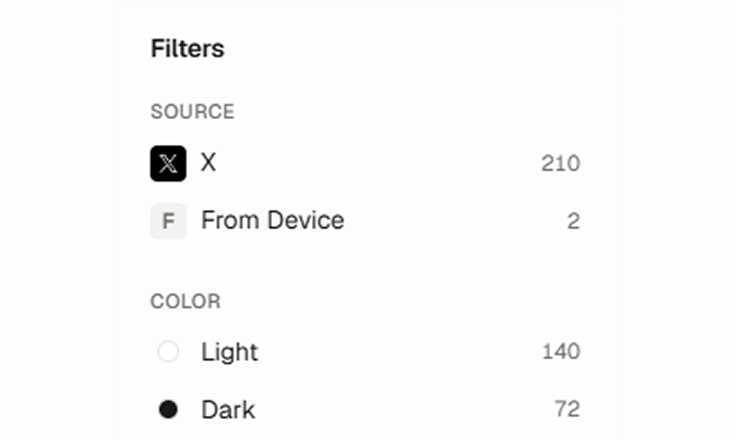 feature_filter.png
Filter by source, author, color, tags, and more. Stack filters to cut through the noise and find exactly what you need.
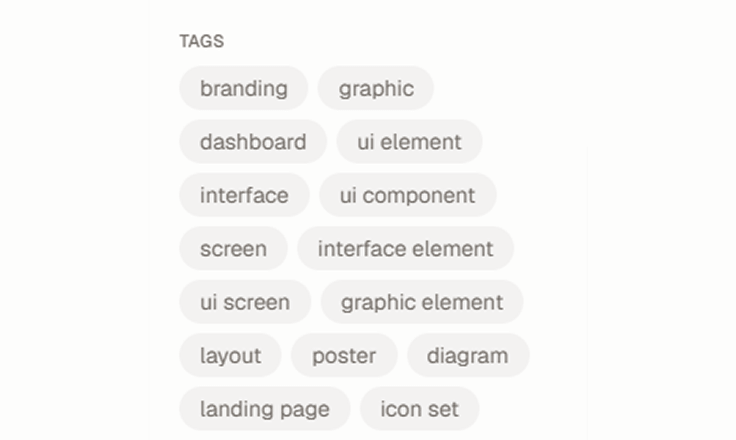 feature_tags.png
Explore tags you've added or generated by AI. Select a tag to uncover related tags & discover the right image.
Thoughtful details that make collecting, browsing and
living with your library feel effortless.

Every image gets a caption, taken from the source or generated by AI. You can also write your own caption.

Your tags stay yours. Add tag on your images and use that to find or filter. AI adds tags, but never replaces yours.

Use Shuffle to surprise yourself every time you open Moodbase or one of your collections.

Moodbase calculates image colours on your device, so you can filter your library by any colour you choose.

Images you collect keep their original source link, so you can always jump back to where you found them.

Master the shortcuts and move faster. Turn on keyboard tips to keep the useful ones always within reach.

Your images and library data are stored locally in your browser. Nothing is uploaded untill you choose.

Let your AI agents search your Moodbase and retrieve the visual references you ask for.

Keep your Moodbase in sync across devices with optional cloud storage. A subscription will be required.
The things worth knowing before you install — what it costs, where your images live, and what happens to them.
 cta_background.webp
Install the plugin from Chrome Web Store and you will have your own moodboard ready, right in your browser.
Free to use · No account · Credits optional
